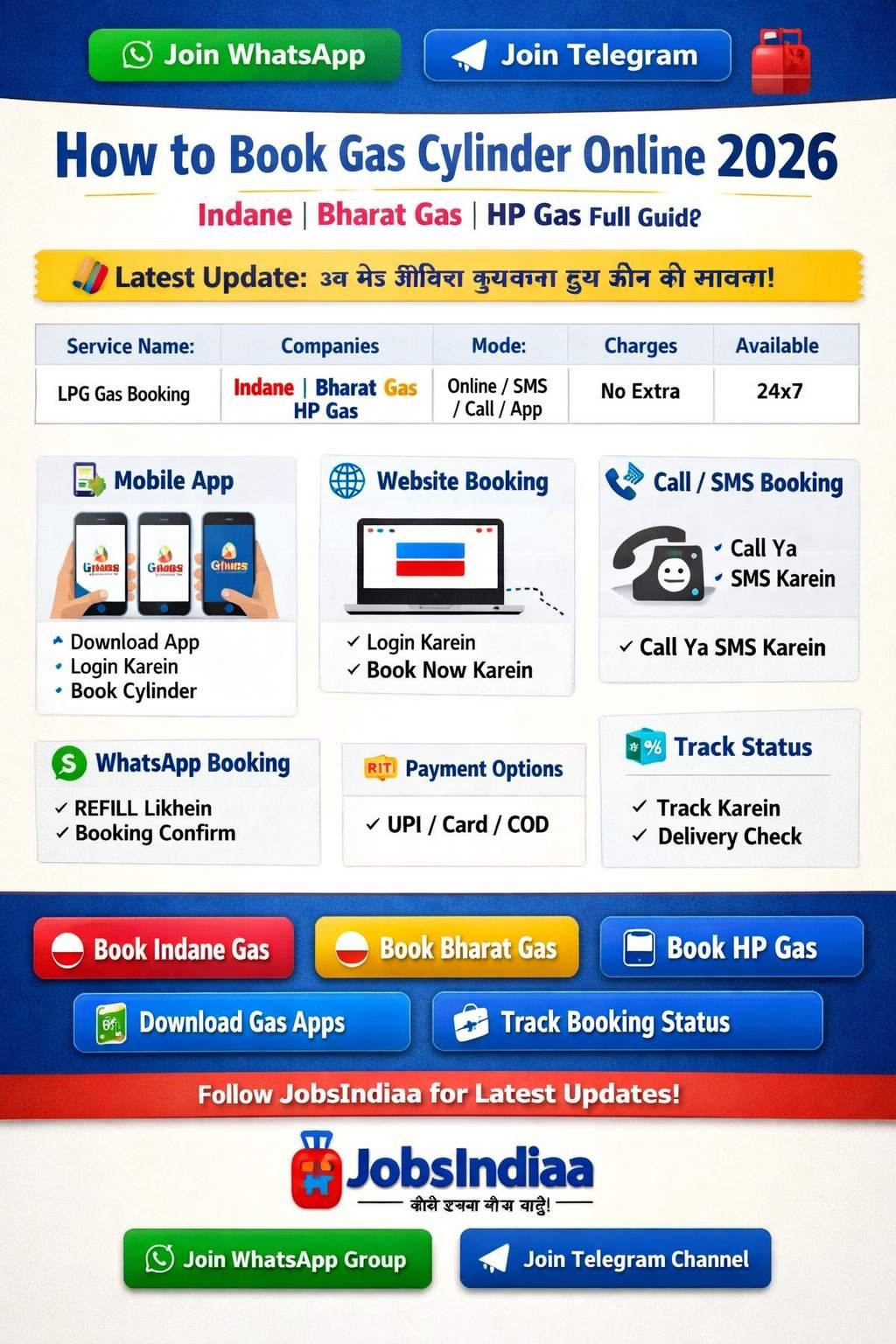
📢 LATEST UPDATE: LPG Gas Cylinder Online Booking Rules Updated for 2026. Check New WhatsApp Numbers!
⛽ How to Book Gas Cylinder Online 2026 – Indane, Bharat Gas, HP Gas Full Guide
📝 Short Info: Aaj ke digital zamane me Gas Cylinder book karna bahut aasan ho gaya hai. Ab aap ghar baithe Indane, Bharat Gas, ya HP Gas cylinder apne mobile, WhatsApp, ya SMS ke jariye minto me book kar sakte hain. Pura step-by-step process niche padhein.
📋 LPG Gas Booking 2026 – Overview
| Service Name | LPG Gas Cylinder Booking Online |
|---|---|
| Companies Included | Indane Gas, Bharat Gas, HP Gas |
| Booking Modes | Website, App, SMS, Call, WhatsApp, UPI |
| Extra Charges | Free (₹0 for Booking) |
| Availability | 24/7 (All over India) |
| Official Portal | MyLPG.in |
Bharat sarkar ne MyLPG.in portal aur vibhinn digital platforms ke madhyam se gas cylinder book karne ki suvidha ko bahut hi aasan bana diya hai. Ab lambi line me lagne ki koi zarurat nahi hai. Chahe aapke pas smartphone ho ya normal keypad phone, aap asani se apna refill book kar sakte hain. Niche humne sabhi tariko ke bare me detail me bataya hai.
💬 WhatsApp Booking (Fastest Way)
Aaj kal WhatsApp se gas book karna sabse aasan tarika hai. Bas apne registered mobile number se niche diye gaye numbers par message bhejein:
- 👉 Indane Gas: Save number 7588888824 aur WhatsApp par “REFILL” type karke bhej dein.
- 👉 HP Gas: Save number 9222201122 aur WhatsApp par “Book” likh kar bhejein.
- 👉 Bharat Gas: Save number 1800224344 aur “Hi” ya “Book” bhej kar instruction follow karein.
📲 Mobile App & UPI Booking (Paytm, PhonePe)
Aap official apps (jaise IndianOil ONE, Hello BPCL) ya popular UPI apps se bhi direct payment aur booking dono kar sakte hain:
Apna favorite UPI app (Paytm, PhonePe, Google Pay ya Amazon Pay) open karein.
“Book a Cylinder” ya “LPG Gas” option par click karein.
Apna gas provider (Indane, HP, Bharat) select karein aur registered Mobile No. ya LPG ID dalein.
Screen par dikh rahe amount ko pay karein aur aapki booking confirm ho jayegi!
📞 Call (IVRS) Booking
Jin logo ke pas smartphone nahi hai wo simple call karke book kar sakte hain:
- Apne registered number se apni agency ke IVRS number par call karein.
- Language select karein (Hindi/English).
- ‘Refill Booking’ ke liye bataya gaya button press karein (Jaise: 1 dabayein).
- Booking confirm hone par Reference SMS aayega.
📩 SMS Booking
Text message (SMS) ke madhyam se bhi cylinder book kiya ja sakta hai:
- Apne message box me jayein.
- Format type karein (Jaise Indane ke liye: REFILL).
- Apni gas agency ke SMS number par bhej dein.
- Turant aapko booking confirmation ka message mil jayega.
🌐 Website Booking & 📦 Track Status
Official portal se booking aur delivery status check karna sabse secure hai:
- ✓ Visit karein MyLPG.in website.
- ✓ Apne provider (Indane/Bharat/HP) ke icon par click karein.
- ✓ Apne account me login karein ya naya account banayein (17-digit LPG ID se).
- ✓ “Book Cylinder” dashboard me jakar click karein.
- ✓ Track Status: Same dashboard me ‘Track Your Booking’ option par click karke aap dekh sakte hain ki cylinder kab deliver hoga.
🔗 Important Booking Links
❓ Frequently Asked Questions (FAQs)
Can I book a gas cylinder through WhatsApp in 2026?
What are the ways for gas booking online?
Is there any extra charge for online gas booking?
How can I track my gas cylinder delivery status?
What should I do if my registered mobile number is lost?
📝 Conclusion & Final Words
हम आशा करते हैं कि LPG Gas Cylinder Online Booking से जुड़ी यह जानकारी आपके लिए उपयोगी साबित हुई होगी। अब आप बिना किसी परेशानी के घर बैठे अपना गैस सिलेंडर बुक कर सकते हैं।
बुकिंग करने से पहले, ऊपर दिए गए Important Links सेक्शन से अपने सम्बंधित प्रोवाइडर का चयन कर अपना रिफिल जरूर बुक करें।
लेटेस्ट अपडेट और ऐसी ही जानकारी के लिए JobsIndiaa.com विजिट करते रहें जहां आपको सभी Government Job updates और जरुरी जानकारी सबसे पहले मिलती है।